






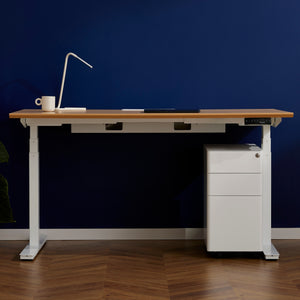
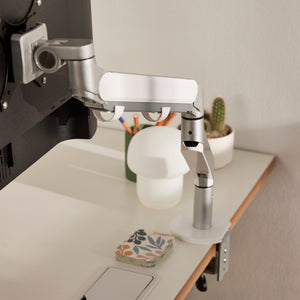

When you’re working from home, it’s easy to settle for any available desk. But what feels like a minor compromise can gradually become a physical one.
According to the Australian Chiropractors Association, 64% of Australians report experiencing neck pain daily. If you’re among them, your work-from-home desk may be part of the problem.
The survey found that much of this discomfort is linked to poor posture and non-ergonomic device use. When a desk sits at the wrong height, depth, or size, your body compensates in all the wrong ways, straining the neck, shoulders, and upper back.
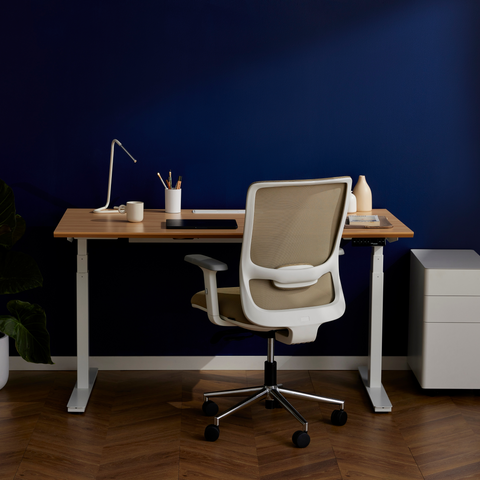
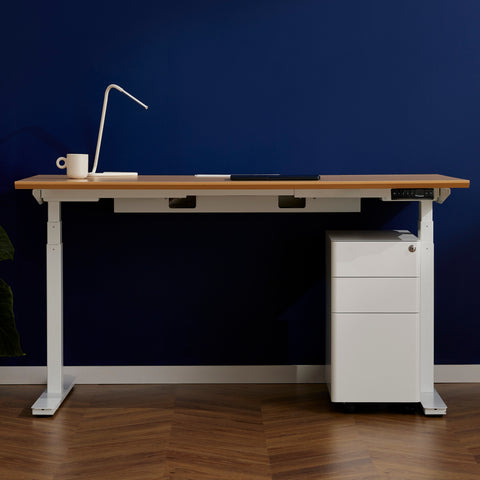
Once you start paying attention to these details, the difference between an average desk and the best office desk for work from home becomes much clearer.
The next step is understanding what specific design choices determine whether a desk truly supports your daily work.
What Your Desk Has to Do When You Work From Home
Think about what a typical WFH day puts on your desk.
You might have one or two monitors, a docking station, keyboard and mouse, charging cables, and maybe a tablet or second screen for meetings. And that’s just the minimum.
Underneath all that is a person trying to stay comfortable and focused for six, seven, or eight hours straight.
Add in the fact that, unlike a corporate office, there is no IT team to optimise that setup. However you land will be how you sit, all day, every day.
So when the desk is wrong, there is nobody catching it. If it is too shallow, your monitor ends up too close, and your neck pays the price. Too low or too high, and your elbows and shoulders are compensating without you realising it.
Over time, those small design mismatches start to shape how comfortable and focused your workday actually feels.
Ergonomic basics for a WFH desk
Get these three things right, and the rest of your ergonomic setup becomes much easier to lock in the right place.
-
Desk height
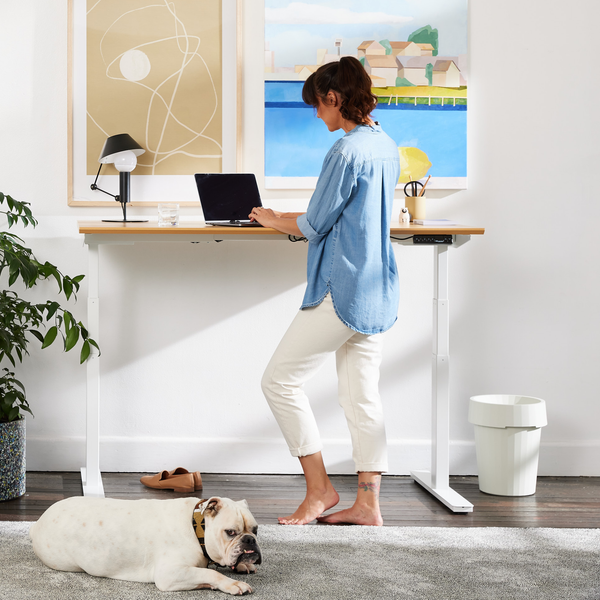
Safe Work Australia's workstation guidelines recommend that your forearms be roughly in line with the floor. This means your desk height should allow your elbows to rest at roughly 90 degrees when typing. -
Surface width
Your desk should be at least 60cm wide. This lets you position the monitor at arm's length (about 50–70cm from your eyes) with the keyboard and mouse in front of you.
This way, you’re neither craning to see clearly nor getting eye strain from having the screen too close. -
Leg clearance
Avoid desks with drawers or obstructions directly under the work surface. This gives you enough space under the desk that your legs are not twisted or compressed throughout the day.
Does the Desk Material and Finish Matter?
In a corporate office, nobody picks their furniture. The desks are already there, chosen and installed long before anyone sits down to work.
At home, this desk is yours. It becomes something you see every day that influences how the room feels and how willing you are to settle in for a few hours of focused work.
But while appearance plays a role, the material of the desk matters even more for how well it holds up over time.
What to look for when buying
-
FSC-certified timber — This is a third-party verified proof that the wood came from responsibly managed forests, not just a label. This is worth checking for specifically, as it is a meaningful quality and sustainability signal.
-
Finish durability — Matte and textured finishes tend to hide daily wear better than high-gloss surfaces, which show scratches and fingerprints more easily over time.
-
Leg and frame quality — A solid tabletop on a wobbly frame still ends up being a wobbly desk. Check that the frame material and joinery are built to the same standard as the surface.
How Big Should a Home Office Desk Be?
A lot of WFH setups end up uncomfortable, not because the desk is bad, but because it is the wrong size for the room it lives in. So, measure, measure, measure.
Here are a few additional guidelines you can follow:
-
Minimum surface depth of 60cm. This is non-negotiable for a proper monitor setup. Anything shallower and you will be sitting too close to the screen all day.
-
Width for a single monitor: 100 cm works in a tight space, but you’ll feel the constraints. 120cm is more comfortable.
-
Width for dual monitors or an ultrawide: Go to at least 140cm, ideally 160cm. Dual screens on a 120cm desk mean your monitors are pushed to the edges with no room between them, making them awkward to use and harder on your neck.
If you are working from a bedroom, shared living space, or converted spare room, a compact desk makes more sense. As long as you still have enough space to work, sacrificing that extra 20cm of width is better than having a desk that unnecessarily dominates the space.
But if you have a dedicated home office, you have more flexibility. Use of that space to create a desk setup that won’t make you feel boxed in or cluttered over the course of a long workday.
What to Look for When Buying a Home Office Desk Online in Australia

Most WFH desks in Australia are bought online, which means you’re making a significant purchase without sitting at it first.
Here are some things to check before you click on “buy.”
-
Warranty terms and what they actually cover
A warranty is only as useful as what it includes.Look beyond the headline figure and check what is specifically covered. Does it include structural components, motors, electronics, and surface materials? Or are they covered separately and for different durations?
If the manufacturer is willing to repair or replace structural failures with no questions asked, you can take that as a meaningful signal of build quality.
-
Assembly complexity
The term "easy assembly" varies greatly in practice. Some desks can be put together in under 20 minutes with a few basic tools, while others take a couple of hours and a mountain of frustration.Before buying, check whether assembly instructions are available online in advance, and whether the desk requires power tools or can be assembled without them.
-
Delivery timelines across Australia
Delivery times depend on two things: where the retailer's warehouse is located, and where you are. A Sydney-based brand shipping to Perth will take significantly longer than one shipping within the same city.Before buying, check whether the retailer ships from a local warehouse or interstate, and what their stated timeframes are for your specific postcode.
Regional and rural buyers in particular should confirm this at checkout, as timeframes can stretch to 7–10 business days or more depending on the carrier and distance. -
Returns policy
Buying a desk online without testing it first is a risk.Check the returns window before purchasing and confirm whether return shipping costs fall on the buyer or the retailer. 30 days is a reasonable minimum
Do You Need a Standing Desk for Working From Home?
Research says it might be beneficial for your health.
A 2024 clinical trial found that desk workers who used a sit-stand setup alongside behavioural support reported significantly less sitting time and notable reductions in lower back pain. 92% reported less pain, and 67% reported greater productivity.
That study is just one of many. And the broader body of research on sit-stand desks consistently points in the same direction.
But bear in mind, the desk itself is not the sole reason for those results.
The benefit comes from the ability to change your position throughout the day without interrupting your work. Conscious movement is still the goal.
A standing desk that sits locked at one height all day is just a very expensive fixed desk.
This means that fixed desks can also serve a WFH setup and your health well enough under the right circumstances.
If you want to go deeper on this, our sitting vs. standing guide covers how to build that habit into a WFH day.
A standing desk makes most sense if you:
-
Work from home five days a week
-
Spend six or more hours a day at your desk
-
Already experience lower back, neck, or shoulder discomfort
- Want a practical tool for breaking up a sedentary workday
A fixed desk is the right call if you:
-
Work hybrid two or three days a week at home
-
Have a compact space where a fixed desk better suits the room
-
Already have good movement habits built into your day
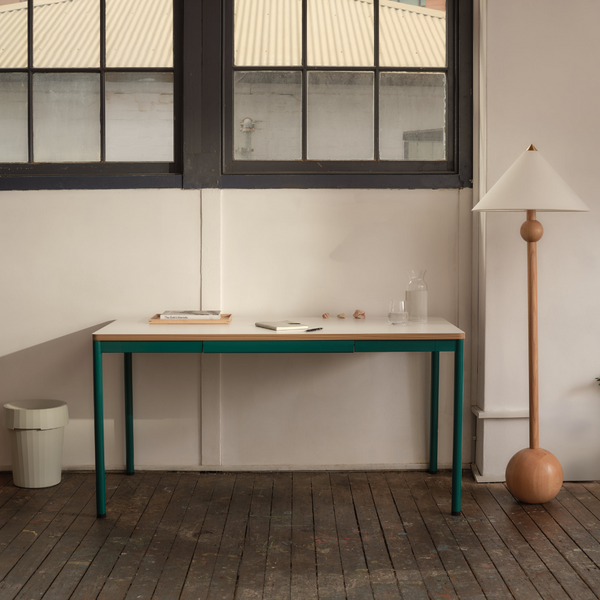
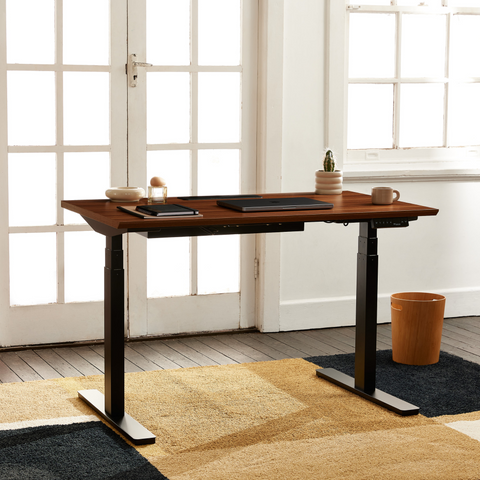
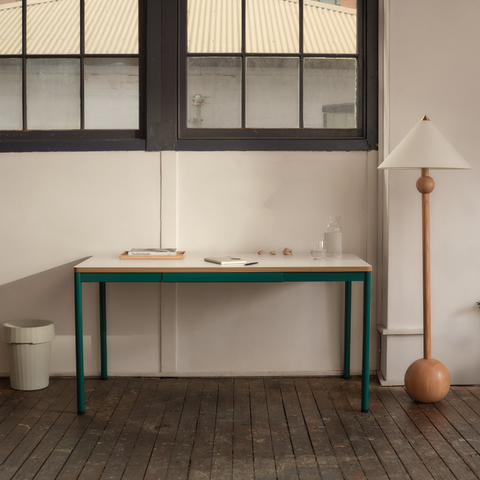
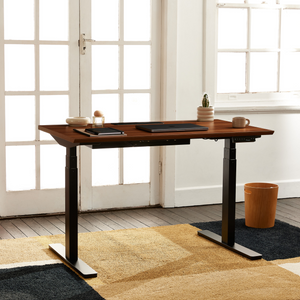
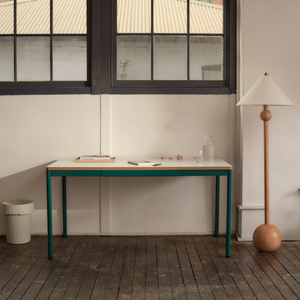
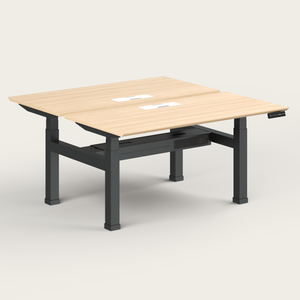
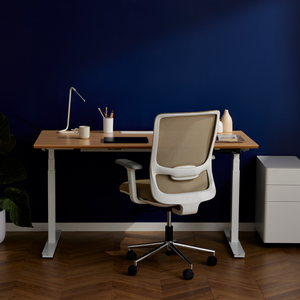
Once you know which category you fall into, the next question is which specific desk does that job well. Some versatile options to consider are Recess’ Everyday Desk and the Standing Desk. Here is how they compare across the things that matter for a WFH setup.

Neither desk is objectively better. The right choice depends entirely on how often you are at your desk and what your body is telling you.
Ready to Find the Right WFH Desk?
The best WFH desk is the one built for how you actually work. Browse the Recess home desk range to see both options in full, or pair your desk with a chair through our WFH bundles and save 10%.
Got questions? Chat with the Recess team, we're here to help you get the setup right.
Author Bio

Will Tungusov is the founder of Recess, a Sydney-based sustainable office furniture startup transforming hybrid workplaces across Australia. Since launching in 2019, Will has led Recess from creating the award-winning Nook soundproof booth to offering a complete range of ergonomic, eco-friendly office solutions. With a focus on eliminating middlemen and prioritising sustainability, Recess has served notable high-growth Australian startups, including Eucalyptus, Lorikeet, Instant One and Tracksuit. Will is passionate about building beautiful, functional workspaces that "don't cost the earth," both environmentally and financially.