














How do I adjust my ergonomic chair?
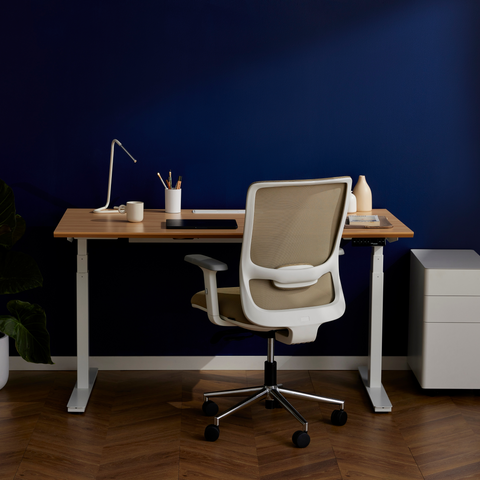
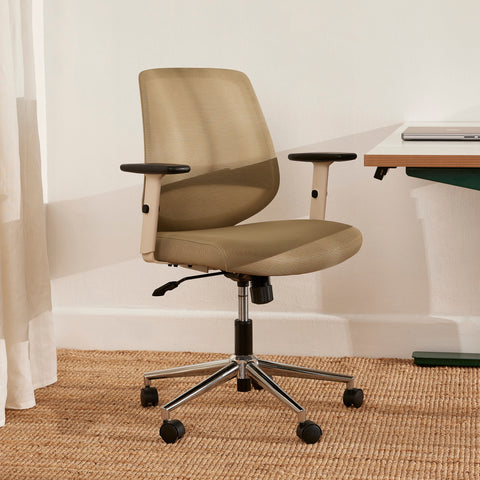
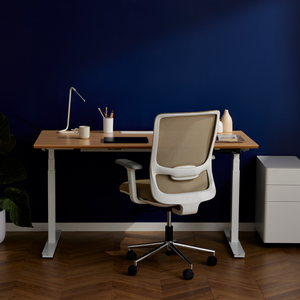
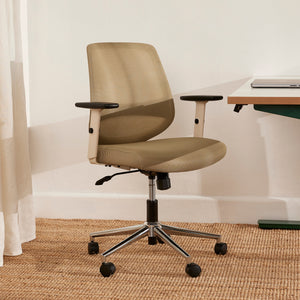
Our range of adjustable office chairs features six to eight ergonomic adjustments. Advice from us would be to:
Adjust the seat height
Height is the most important point of an ergonomic adjustment. First, stand in front of your chair and adjust the height of the seat pan to just below your kneecaps. Now sit in your chair with your back firmly against the chair back and adjust the seat cylinder to the proper height. You want your feet to be flat on the ground with your knees close to a 90-degree angle.
Adjust the backrest
Our design allows you to have a 132-degree tilt on the backrest. The backrest should be at an angle that supports you while sitting in your preferred posture. You should not have to lean back to feel it nor lean farther forward than you like to sit.
Adjust the armrest
Sit as close to your desk as is comfortable with your upper arms parallel to your spine. Let your hands rest on the surface of the workstation or your computer keyboard, whichever you will use more often. They should be at a 90-degree angle.
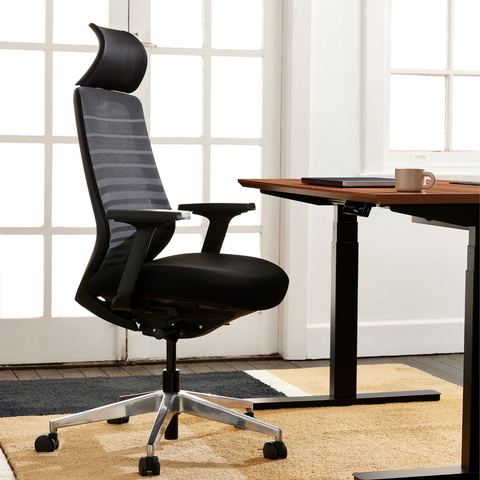
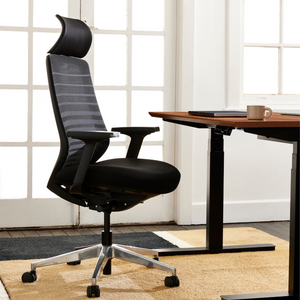
Adjust the headrestOur Ergo Pro design is equipped with a headrest that is adjustable to help provide support and comfort to the head and neck while in a reclined position.
Adjust the lumbar supportAdjustable lumbar support is a feature most people seek out when looking for an ergonomic chair. The lumbar support should fit right in the natural curve of your spine, typically at the small of your back directly above your belt line.
Adjust the seat pan depthYou should have a gap about the size of your clenched fist between the front edge of the seat cushion and the back of your knee when seated. Lock that position in place.