








You bought the standing desk, and you're now interchanging sitting and standing throughout the day. But your neck still aches, your lower back still complains, and by 3 pm, you're slumping like you never changed a thing.
Your instinct to get that desk is right. But the desk alone isn't the whole answer.
A comfortable desk setup should always be accompanied by proper ergonomics. Plainly put, ergonomics is about arranging your workspace in a way that your body stays in a comfortable, neutral position, no straining, no hunching, no overreaching.
When your setup is right, everything from your wrists to your shoulders to your lower back gets to relax while you work.
In this guide, we’ll walk you through every piece of that setup, from the recommended desk height and monitor position to the most common mistakes that undo all the good intentions.
How to Set the Right Standing Desk Height
Desk height is the backbone of a comfortable desk setup. Get this wrong, and no amount of monitor adjustment will save you.
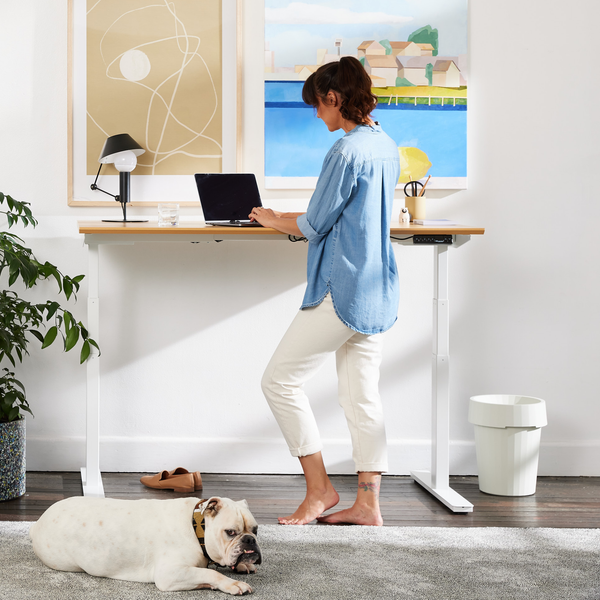
The goal is to keep your forearms roughly in line with the floor with an approximate 90° bend at your elbows when you're typing.
A few things to keep in mind:
-
Shoes matter.
Heels, thick-soled trainers, or bare feet can shift your ideal height by two to four centimetres. For those different footwear scenarios, save each position height on your standing desk’s memory presets, so you won’t have to readjust every morning.
-
Your elbow angle can go slightly past 90°
Dropping the desk just a little lower so your arms sit at around 100–110° can take off pressure from your wrists and fingers during long days of typing. Try it and see what feels comfortable for you.
-
Adjust for different tasks.
Writing by hand, drawing, or sketching calls for a slightly lower surface. Screen work might require it to be a touch higher.
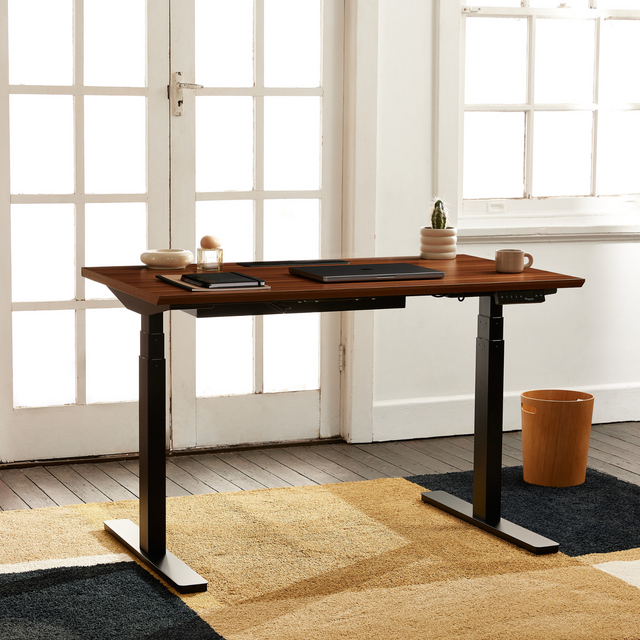
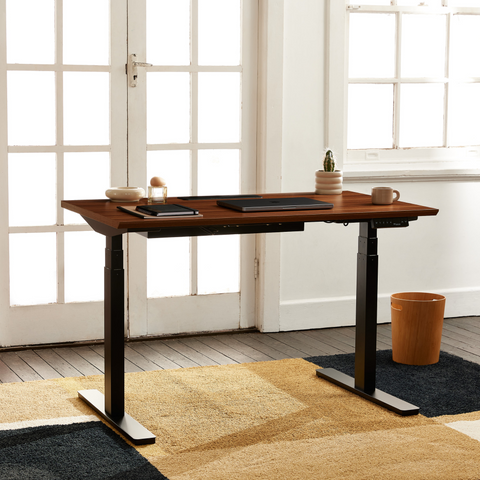
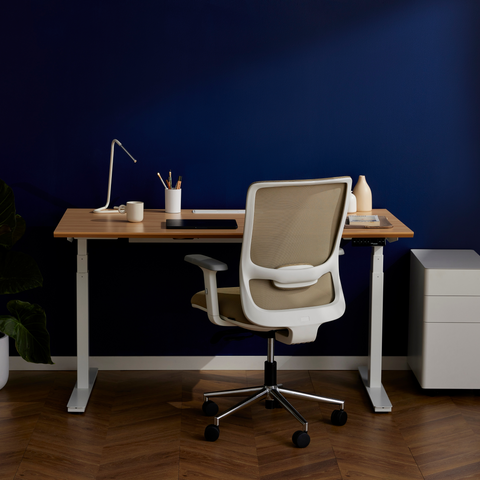
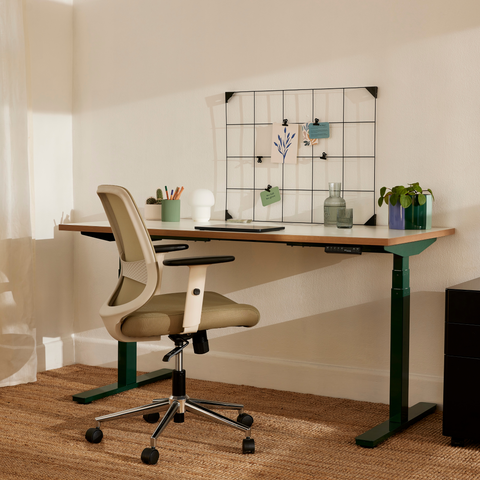
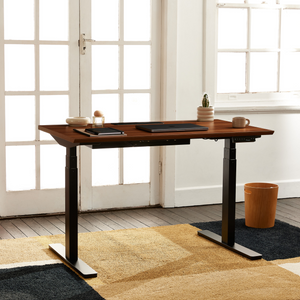
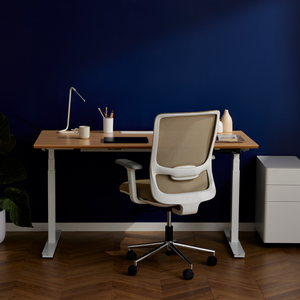
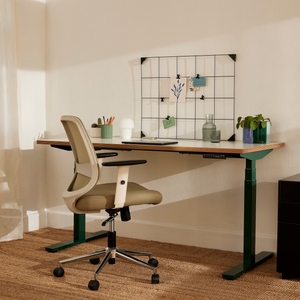
A standing desk that has these adjustable and memory features will help you work more comfortably throughout the day. A great example is the Recess Standing Desk, which adjusts from 65 to 130 cm, covering most heights comfortably. It also stores three memory presets so you can switch between sitting and standing height with a single button press.
Monitor Placement: How to Protect Your Eyes and Neck
Next to desk height, your monitor position is the next most important factor in your desk setup.
The 2025 Workplace Vision Health Report found that 63% of workers now report at least one screen-related eye issue including blurred vision, dry eyes, and persistent headaches. This number has gone up from the 50% in the previous year.
The report also found that more than one in four had taken time off work because of it.
Much of this comes down to a monitor that isn’t positioned where the eyes can rest comfortably, but it is entirely fixable.
Here’s the setup that works for most people:
-
Distance
Your monitor should be at least an arm’s length or roughly 50 - 75 cm away . Hold your arm out straight. Your fingertips should nearly touch the screen.
-
Height
The top of your monitor should sit at or be just below eye level, so your gaze naturally falls to the middle of the screen. If you wear glasses with progressive lenses, you may want the screen a little lower.
-
Tilt
Angle the screen back 10 - 20 degrees. This slight upward tilt lessens glare and keeps your neck in a more neutral position.
-
Multiple monitors
Position your primary screen directly in front of you. If you use a second screen regularly, place it right next to your main screen so you’re not turning your neck more than 30 degrees to look at it.
With a standing desk, you can further upgrade your monitor setup with a monitor arm. This lets you dial in the exact monitor height and distance from you as you move between sitting and standing without having to reposition the whole screen each time.
Keyboard, Mouse, and Wrist Ergonomics
Your keyboard and mouse movements might not seem significant, but their effects can add up fast. Recent data confirms just how much.
A 2025 study published in Scientific Reports found that more than 80% of office workers had at least one work-related musculoskeletal disorder, with neck and lower back issues as the most common. Both of these are heavily influenced by how the keyboard, mouse, and screen are positioned in a day-to-day work routine.
When standing, your keyboard should sit at the same height as your desk.
Your wrists should also stay straight and relaxed while you type, not bent upward, downward, or to either side.
Here are other tips to keep in mind:
-
Position your keyboard close
You shouldn’t have to reach forward to type. If you’re leaning forward to the keys, your keyboard is too far away.
-
Mouse at the same level
Place your mouse right next to your keyboard so you're not reaching across your body or twisting your shoulder to use it.
-
Avoid resting your wrists while typing
It's fine to rest your wrists between bursts, but resting on a hard edge while actively typing compresses the tendons. Use a wrist rest if you need support between tasks.
-
Consider an anti-fatigue mat
A quality mat under your feet while you're standing takes pressure off your legs and feet. It also subtly encourages you to shift weight and move more throughout the day.
The Sit-Stand Ratio: How Long Should You Actually Stand

When maintained too long without movement, both positions put stress on your body. If you'd like a deeper look at how sitting and standing compare across the whole workday, our comparison guide for sitting vs standing at your desk breaks it down well.
The sweet spot is alternating between the two.
Here are some practical tips to get you started:
- Change position every 30–60 minutes. Even a brief shift from sitting to standing (or vice versa) makes a difference.
- Walk for at least two minutes every hour. Take a short walk to make a coffee, fill your water bottle, or just move around the office. They count.
- Set up an alarm. Set up little alarms throughout the day to remind you to walk, stretch, or change positions.
- Build up gradually. If you're new to standing at a desk, start with 20–30 minutes of standing per hour and build from there. Jumping straight into long standing blocks can fatigue your legs and back until you adjust.
If you want a more structured routine to follow, you can try the 30:15 ratio.
A 2025 randomised trial published in Applied Ergonomics compared the effects of this fixed rotation against a flexible, personalised approach among desk workers with lower back pain. The results showed the fixed rotation to be more effective.
Participants under the structured approach experienced less lower back pain, improved concentration, and better adherence to the routine.
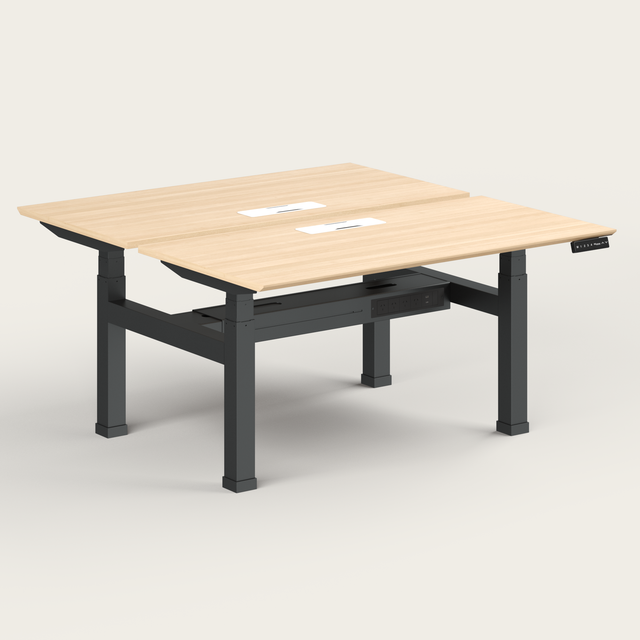
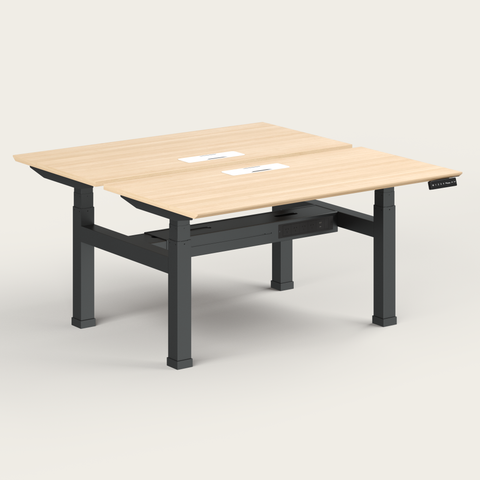
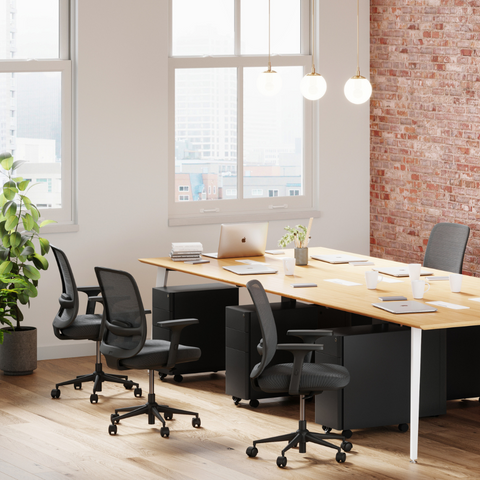
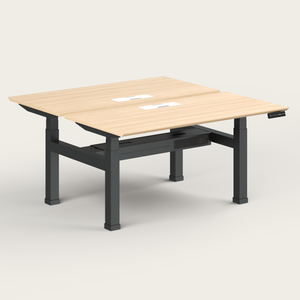
For teams looking to apply these habits more consistently across the workplace, it helps to have setups that support individual preferences. Solutions like the Recess Dual Sit-Stand Desk allow two people to work side by side while adjusting to their own ideal heights. This makes it easier to maintain a healthy sit-stand routine in shared spaces.
If you're outfitting a larger team, Recess also offers bulk order options, making it more practical to roll this out across the office.
Common Ergonomic Mistakes (and How to Fix Them)
Most setup problems come down to a handful of habits. Here's what to watch for:
-
Using a laptop without raising the screen
A laptop sitting flat on the desk puts the screen well below eye level, regardless of how carefully you've set your desk height. Use a laptop stand or monitor arm to raise the screen up to eye level, and connect an external keyboard and mouse so your arms stay in the right position.
-
Ignoring lighting and glare
Light from a window behind your screen or a harsh overhead light reflecting off it will cause you to squint and lean forward, undoing your careful monitor setup without you realising it.
To prevent this, position your screen perpendicular to windows rather than facing them. It also helps to match the lighting of the room to your screen brightness using ambient lighting.
-
Camera below or above eye level on video calls
Looking down or up at your laptop camera for sustained periods during calls is exactly the kind of static neck position that causes problems.
So, rather than adjusting your screen every time you hop on a call to get a proper camera angle with your webcam, use an external webcam clipped to the top of your monitor.
You can also prop your laptop up separately so the camera sits at face height.
-
Not adjusting when tasks change
The desk height that works for typing isn't necessarily right for reading, writing by hand, or reviewing documents. So, use your memory presets not just for sit vs. stand, but for different task modes as well.
-
Treating the setup as a one-time fix
Bodies change, tasks change, work hours change, and what felt right six months ago may not be serving you now. Do a quick check every few months and run through the basics to ensure everything is set right. It takes five minutes and catches a lot.
Ready to set up your workstation properly?
Set up your desk and screen for proper posture, switch positions regularly, and review your setup every few months. That's the simple process you need to work comfortably all day and it all starts with a desk that actually adjusts to you.
If you're still looking for the right desk, the Recess home and office desks collection is a good place to start. Thoughtfully designed, easy to set up, and delivered across Australia.
Still deciding which desk fits your space? Our team can guide you to the perfect option. Book a call with the Recess team today.
Author Bio

Will Tungusov is the founder of Recess, a Sydney-based sustainable office furniture startup transforming hybrid workplaces across Australia. Since launching in 2019, Will has led Recess from creating the award-winning Nook soundproof booth to offering a complete range of ergonomic, eco-friendly office solutions. With a focus on eliminating middlemen and prioritising sustainability, Recess has served notable high-growth Australian startups, including Eucalyptus, Lorikeet, Instant One and Tracksuit. Will is passionate about building beautiful, functional workspaces that "don't cost the earth," both environmentally and financially.